
How to Register Your EK1 Device (Required Before Tune Delivery)
Before we can deliver your tune file, your EK1 device must be registered with your EK1 Serial Number and your vehicle's VIN. This is a security measure put in place by EK1 that we cannot bypass, but registration only takes about two minutes. Here's exactly how to do it.
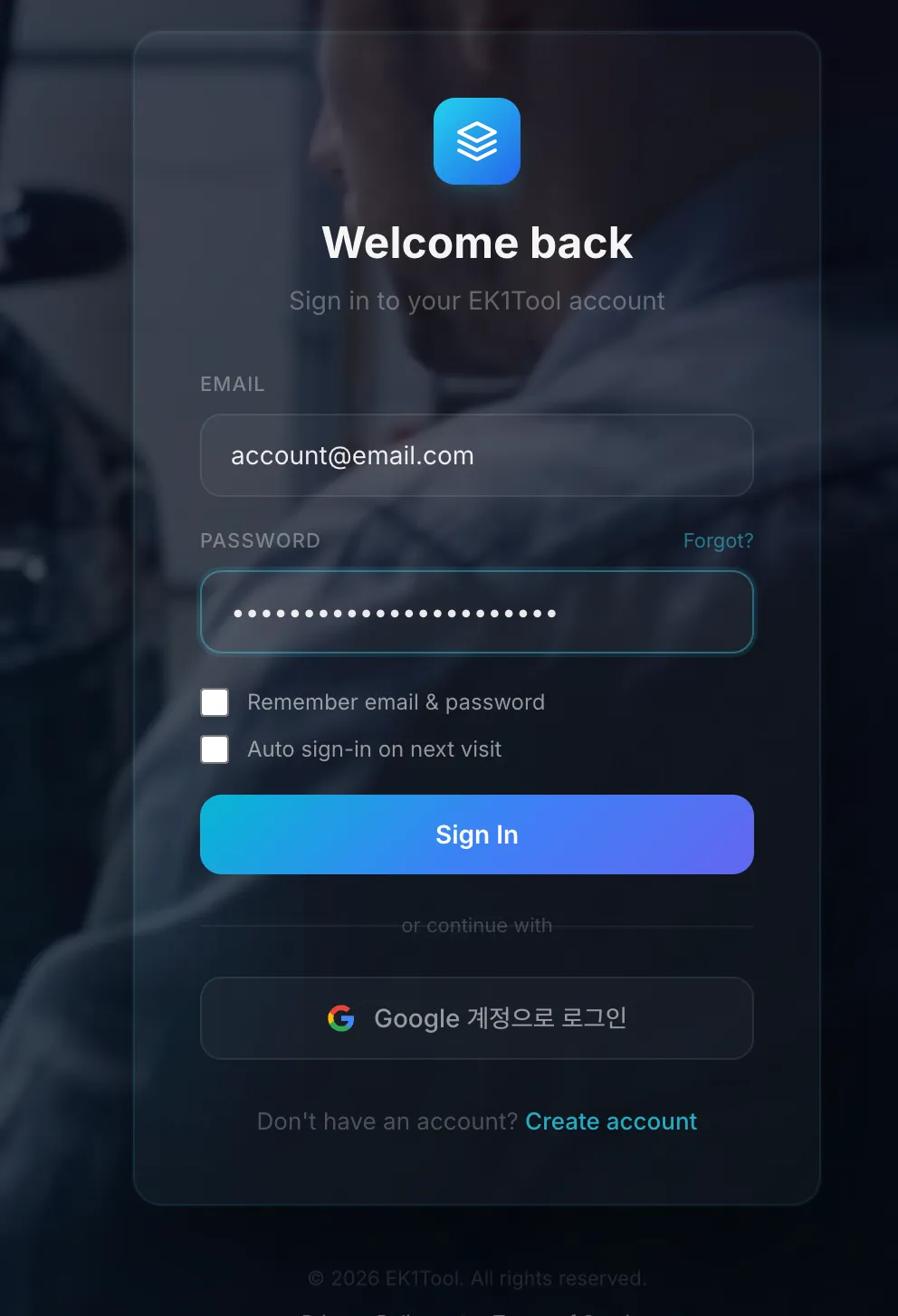
Step 1. Sign In on EK1Tool.com
Head to ek1tool.com and log in, or click Create account if you don't have one yet.
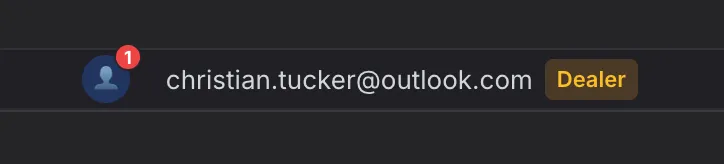
Step 2. Click Your E-mail (Top Right)
After logging in, you'll see your e-mail address in the top right of the page. Click it and the My Profile panel will open.
Step 3. Enter Your Serial and VIN
In the profile panel, fill in your contact information, your EK1 Device Serial, and your VIN, then press Save Profile.
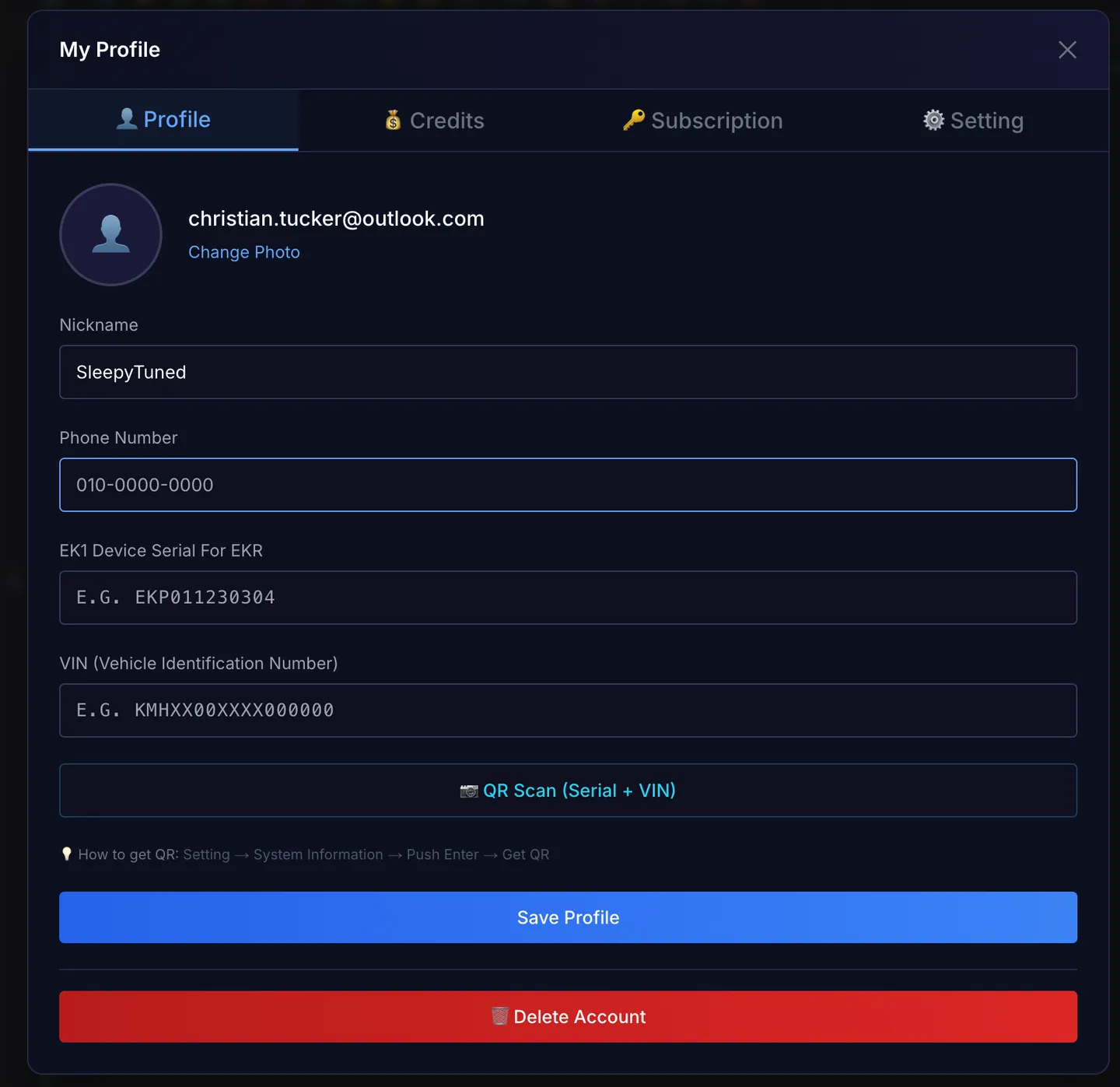
Where's my EK1 Serial Number? It's printed on the back of your EK1 device (e.g. EKP011230304). The prefix tells you which device you have:
| Serial Prefix | Your Device |
|---|---|
| EKL | EK1 Lite |
| EKM | EK1 Mini |
| EKP | EK1 Pro |
| EKS | EK1 V3 |
Where's my VIN? At the base of the windshield on the driver's side, on the driver's door-jamb sticker, or on your registration and insurance documents.
The Fast Way: QR Scan
Your EK1 device can hand both values over automatically. On the device, go to Setting → System Information → Push Enter → Get QR, then tap QR Scan (Serial + VIN) in the profile panel and scan the code, both fields fill themselves.
Why This Matters
We can only deliver tune files to registered devices. Until your EK1 is registered, your tune sits in our queue no matter how ready it is on our end, the requirement comes from EK1 and applies to every customer.
Once you hit Save Profile, you're done, nothing else to do. If your order was waiting on registration, we'll pick it up and deliver your file.
Stuck on any step? Reach out through your SleepyTuned dashboard or reply to your order e-mail and we'll walk you through it.
Back to the knowledge base